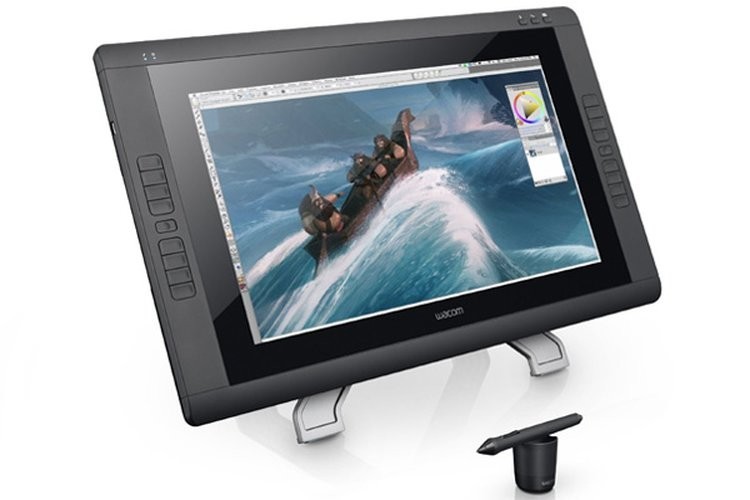
Wacom Cintiq 22" Creative Pen Display
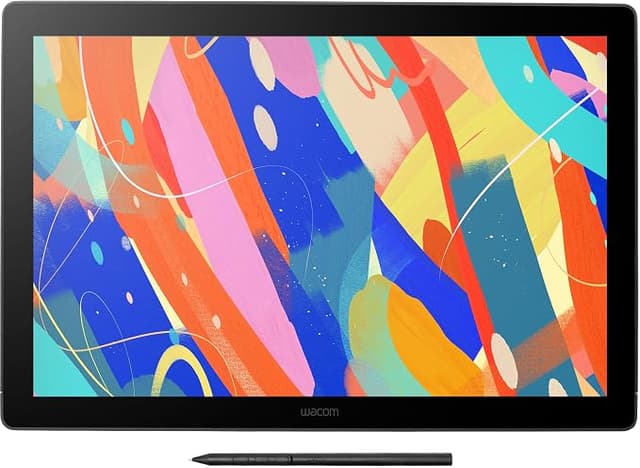
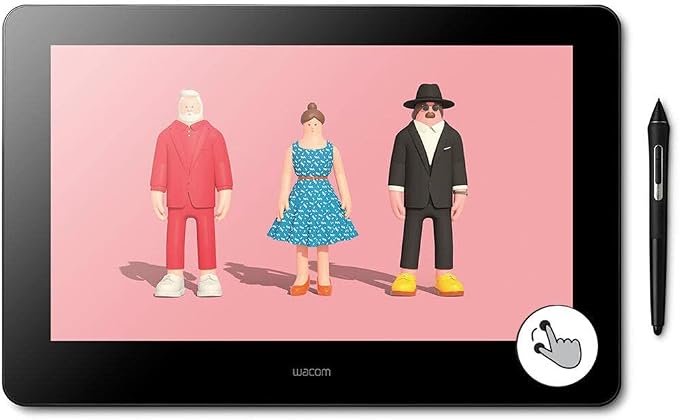
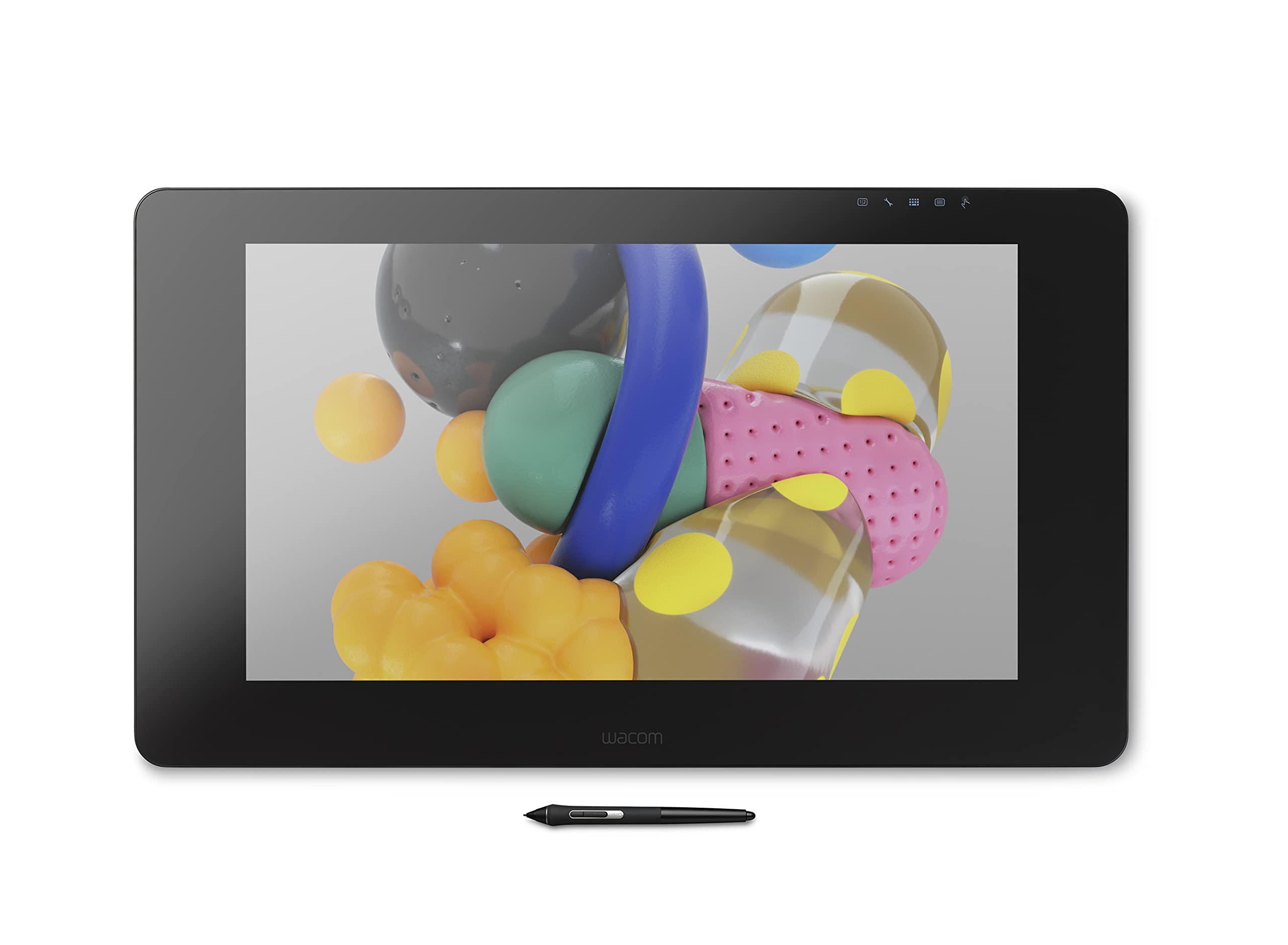
Create beautiful and detailed digital artworks with the Wacom Cintiq 22HD Touch Creative Pen Display. Compatible with both Windows (7 and 8) and Mac OS X (10.6.8 and later), the Cintiq 22HD can be used with various creativity programs.
Create beautiful and detailed digital artworks with the Wacom Cintiq 22HD Touch Creative Pen Display. Compatible with both Windows (7 and 8) and Mac OS X (10.6.8 and later), the Cintiq 22HD can be used with various creativity programs.
Create beautiful and detailed digital artworks with the Wacom Cintiq 22HD Touch Creative Pen Display. Compatible with both Windows (7 and 8) and Mac OS X (10.6.8 and later), the Cintiq 22HD can be used with various creativity programs.
Create beautiful and detailed digital artworks with the Wacom Cintiq 22HD Touch Creative Pen Display. Compatible with both Windows (7 and 8) and Mac OS X (10.6.8 and later), the Cintiq 22HD can be used with various creativity programs.
in 9 offers
The lowest price for Wacom Cintiq 22" Creative Pen Display right now is $1,035.40 at PB Tech, compared across 9 retailers.
The all-time low was $405.49 on 22 Jan 2025 — today's price is 155% above the lowest ever. It has been notably cheaper before — worth setting a price alert.
Prices last updated 5 Oct 2026.
Last updated at 05/10/2026 12:10:47
Wacom Cintiq 22 22" Creative Pen Display,Full HD
Free delivery between 10–15 Oct
Wacom Cintiq 22 Refurbished
Free delivery between 8–15 Oct
Wacom Cintiq 22-inch Creative Pen Display
Free delivery between Tue – Wed
Wacom Cintiq 22-inch Creative Pen Display
Free delivery between 7–12 Oct
Wacom Cintiq 22-inch Creative Pen Display
Free delivery between 9–19 Oct
Wacom Cintiq 22-inch Creative Pen Display
Free delivery between 8–12 Oct
Wacom DTK-2260/K0-CX Cintiq 22 Creative Pen Display, 21.5" FHD Display
30-day returns
Wacom Cintiq 22" Creative Pen Display
Free delivery between 9–16 Oct
"Wacom Cintiq 22 Graphics Tablet - 54.6 cm (21.5") LCD - 5080 lpi Full HD - Cable - 16.7 Million Colours - 474.98 mm x 266.70 mm Active Area - 8192 -"
Delivery $7.95
originally posted on pbtech.co.nz
The Wacom Cintiq 22 is solid and feels substantial (5.6kg without the stand). It requires reasonable desk space for comfortable use. It comes with a stand, which also feels solid and substantial, with about 10 stable positions between near horizontal and near vertical. (The stand only works in landscape mode, although the Cintiq 22 itself can work in portrait mode as well.) The software that I use requires the use of keyboard shortcuts while drawing on the display, and I found that this is best achieved by using a small Bluetooth keyboard immediately to the left of the display. (I purchased a Logitech K380 keyboard from PT Tech for this purpose, which works well.)For me, the Cintiq 22 is worth the cost, because it is such high quality, and it makes working with ... MoreThe Wacom Cintiq 22 is solid and feels substantial (5.6kg without the stand). It requires reasonable desk space for comfortable use. It comes with a stand, which also feels solid and substantial, with about 10 stable positions between near horizontal and near vertical. (The stand only works in landscape mode, although the Cintiq 22 itself can work in portrait mode as well.) The software that I use requires the use of keyboard shortcuts while drawing on the display, and I found that this is best achieved by using a small Bluetooth keyboard immediately to the left of the display. (I purchased a Logitech K380 keyboard from PT Tech for this purpose, which works well.)For me, the Cintiq 22 is worth the cost, because it is such high quality, and it makes working with digital art software such a pleasure.
originally posted on scorptec.com.au
Improved my workflow, productivity and creativity by miles! It's the perfect size. Price was good too.
originally posted on pbtech.co.nz
Wacom is an excellent maker of tablets as I've been using them for many many years now. My old Cintiq 21 DX still works but the old iMac I was using with it, for years doesn't.Time to upgrade. I use the 24" at work & the 22' at home. Love both It's actually a perfect size for me. It's for the desktop. Not light in weight, it's solid, feels good. I don't think you would wan to carry it around.The screen is longish & that is great for drawing software I use, Photoshop, Sketchbook Pro, Krita etc etc. with all the menus for tools, colour palettes etc there is more than enough room on the screen for drawing/painting area. Love the stand on it, strong & adjusts to any angle u want to adjust it to & stays there no wobble nothing solid as a rock. The screen is non ... MoreWacom is an excellent maker of tablets as I've been using them for many many years now. My old Cintiq 21 DX still works but the old iMac I was using with it, for years doesn't.Time to upgrade. I use the 24" at work & the 22' at home. Love both It's actually a perfect size for me. It's for the desktop. Not light in weight, it's solid, feels good. I don't think you would wan to carry it around.The screen is longish & that is great for drawing software I use, Photoshop, Sketchbook Pro, Krita etc etc. with all the menus for tools, colour palettes etc there is more than enough room on the screen for drawing/painting area. Love the stand on it, strong & adjusts to any angle u want to adjust it to & stays there no wobble nothing solid as a rock. The screen is non reflective so it works with light coming thru the window next to my desk. The screen has a very slight texture to it with the pen, so feels a little like paper which I love, my old tablet was glass, shiney, sticky with hand & gave off reflections. Those reflections were the only annoying thing about it. The sales guy also knew that I needed a cable to connect the Wacom to the new imac, which was very helpful. I've reviewed this *cable also. Download drivers, plug & start drawing! The pen is lighter than the older one I had but feels good though, with non-slip rubber around the tip for fingers. All in all very happy with this product & I've been using it 24/7 so it's had a full on workout since purchased. This is what I expect from Wacom.*CABLE used to connect to :J5create USB Type-C to 4K HDMI 1.5M Cable, Compliant with HDMI 2.0 specifications 4K at 60 Hz
| Operating System | Windows, Mac OS |
| Display Technology | TFT LCD |
| Standing screen display size | 54.61 Centimeters |
| Display Type | LCD |
| Screen Resolution | 1920 x 1080 |
Wacom Cintiq 22 22" Creative Pen Display,Full HD
Free delivery between 10–15 Oct
Wacom Cintiq 22 Refurbished
Free delivery between 8–15 Oct
Wacom Cintiq 22-inch Creative Pen Display
Free delivery between Tue – Wed
Wacom Cintiq 22-inch Creative Pen Display
Free delivery between 7–12 Oct
Wacom Cintiq 22-inch Creative Pen Display
Free delivery between 9–19 Oct
The Wacom Cintiq 22 is solid and feels substantial (5.6kg without the stand). It requires reasonable desk space for comfortable use. It comes with a stand, which also feels solid and substantial, with about 10 stable positions between near horizontal and near vertical. (The stand only works in landscape mode, although the Cintiq 22 itself can work in portrait mode as well.) The software that I use requires the use of keyboard shortcuts while drawing on the display, and I found that this is best achieved by using a small Bluetooth keyboard immediately to the left of the display. (I purchased a Logitech K380 keyboard from PT Tech for this purpose, which works well.)For me, the Cintiq 22 is worth the cost, because it is such high quality, and it makes working with ... MoreThe Wacom Cintiq 22 is solid and feels substantial (5.6kg without the stand). It requires reasonable desk space for comfortable use. It comes with a stand, which also feels solid and substantial, with about 10 stable positions between near horizontal and near vertical. (The stand only works in landscape mode, although the Cintiq 22 itself can work in portrait mode as well.) The software that I use requires the use of keyboard shortcuts while drawing on the display, and I found that this is best achieved by using a small Bluetooth keyboard immediately to the left of the display. (I purchased a Logitech K380 keyboard from PT Tech for this purpose, which works well.)For me, the Cintiq 22 is worth the cost, because it is such high quality, and it makes working with digital art software such a pleasure.
Improved my workflow, productivity and creativity by miles! It's the perfect size. Price was good too.
Wacom is an excellent maker of tablets as I've been using them for many many years now. My old Cintiq 21 DX still works but the old iMac I was using with it, for years doesn't.Time to upgrade. I use the 24" at work & the 22' at home. Love both It's actually a perfect size for me. It's for the desktop. Not light in weight, it's solid, feels good. I don't think you would wan to carry it around.The screen is longish & that is great for drawing software I use, Photoshop, Sketchbook Pro, Krita etc etc. with all the menus for tools, colour palettes etc there is more than enough room on the screen for drawing/painting area. Love the stand on it, strong & adjusts to any angle u want to adjust it to & stays there no wobble nothing solid as a rock. The screen is non ... MoreWacom is an excellent maker of tablets as I've been using them for many many years now. My old Cintiq 21 DX still works but the old iMac I was using with it, for years doesn't.Time to upgrade. I use the 24" at work & the 22' at home. Love both It's actually a perfect size for me. It's for the desktop. Not light in weight, it's solid, feels good. I don't think you would wan to carry it around.The screen is longish & that is great for drawing software I use, Photoshop, Sketchbook Pro, Krita etc etc. with all the menus for tools, colour palettes etc there is more than enough room on the screen for drawing/painting area. Love the stand on it, strong & adjusts to any angle u want to adjust it to & stays there no wobble nothing solid as a rock. The screen is non reflective so it works with light coming thru the window next to my desk. The screen has a very slight texture to it with the pen, so feels a little like paper which I love, my old tablet was glass, shiney, sticky with hand & gave off reflections. Those reflections were the only annoying thing about it. The sales guy also knew that I needed a cable to connect the Wacom to the new imac, which was very helpful. I've reviewed this *cable also. Download drivers, plug & start drawing! The pen is lighter than the older one I had but feels good though, with non-slip rubber around the tip for fingers. All in all very happy with this product & I've been using it 24/7 so it's had a full on workout since purchased. This is what I expect from Wacom.*CABLE used to connect to :J5create USB Type-C to 4K HDMI 1.5M Cable, Compliant with HDMI 2.0 specifications 4K at 60 Hz
This was a good replacement for my older, busted 22HD.Not having the nib holder and pen container is a bit of a pain and clearly a cost-cutting decision on Wacom's part, but doesn't feel as nickel and dime-y compared to newer models that require a separate purchase for the stand that is almost the equivalent price of the device itself.I was concerned that the adjustable stand on this model would be flimsy, but it's proven to be quite sturdy and works well for my needs as a daily driver tablet for work.One other small complaint would be that the power and display cables are all run through the top of the device which is a little disconcerting because of how open to potential bumps that is, but all-in-all nothing to be too anxious about.In the end it's a ... MoreThis was a good replacement for my older, busted 22HD.Not having the nib holder and pen container is a bit of a pain and clearly a cost-cutting decision on Wacom's part, but doesn't feel as nickel and dime-y compared to newer models that require a separate purchase for the stand that is almost the equivalent price of the device itself.I was concerned that the adjustable stand on this model would be flimsy, but it's proven to be quite sturdy and works well for my needs as a daily driver tablet for work.One other small complaint would be that the power and display cables are all run through the top of the device which is a little disconcerting because of how open to potential bumps that is, but all-in-all nothing to be too anxious about.In the end it's a really good display and the latency when drawing is almost non-existent so it feels better to draw on and that's what you'll be using it for. Definitely a suitable replacement for my older broken model and would recommend to any artists/animators out there looking for a reasonably priced all-in-one package.
After using the Wacom Pen and touch for so long I was worried it would take me some time to get used to using a Cintiq, but the ease of use and pen touch controls made everything feel so smooth and natural. I felt an immediate boost on productivity just being able to draw as if I was drawing on paper. The colours and resolution are incredibly sharp, adjusting the angle of the tablet is straightforward and the overall structure is very sturdy. Highly recommend.
Fantastic drawing device. The 1080p screen is more than enough for its size and you can't fault the Wacom pen tech
Given the state of the world at the moment, I can forgive the shipping time of a month, but finally getting to set it up and working on it for my job, its the perfect size and weight for a tablet screen.
peeps love it peeps love it peeps love it peeps love it
| Operating System | Windows, Mac OS |
| Display Technology | TFT LCD |
| Standing screen display size | 54.61 Centimeters |
| Display Type | LCD |
| Screen Resolution | 1920 x 1080 |